


 Send Inquiry
YAMAHA SR-C20A
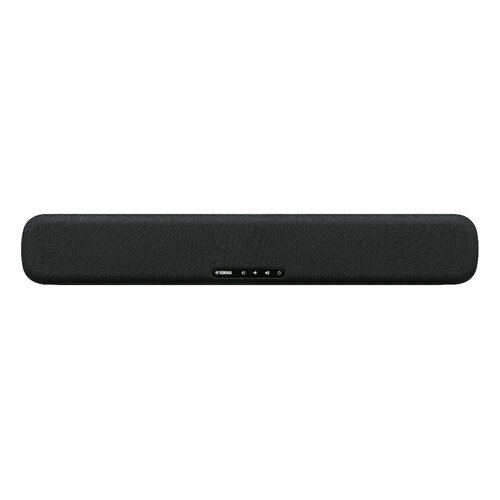
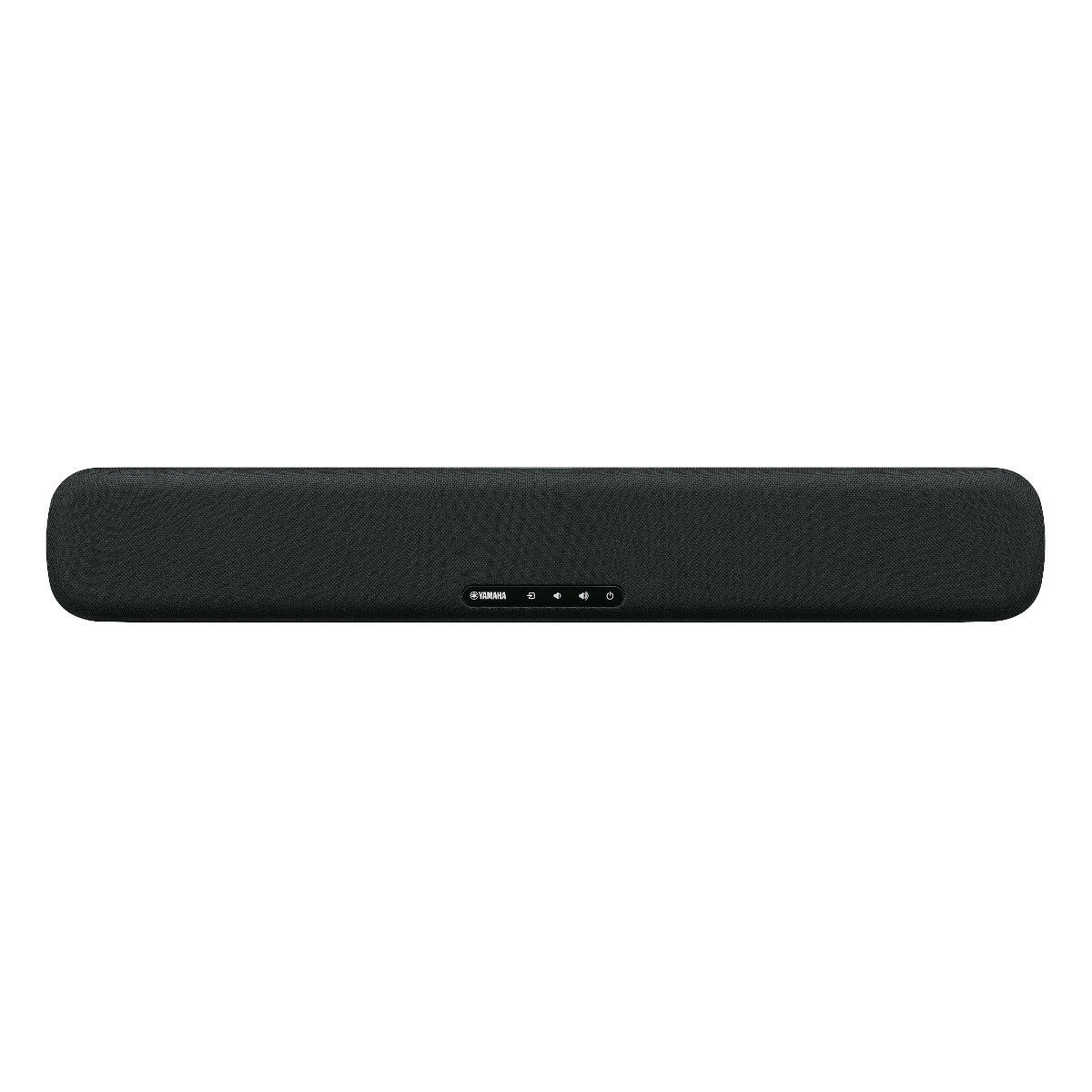

YAMAHA SR-C20A Specification
- Bluetooth
- Yes
- Aux Option
- Yes
- Auto Memory
- No
- Player Type
- Soundbar
- Material
- Plastic Body with Fabric Grille
- Channels
- 2.1
- Frequency (MHz)
- Bluetooth: 2.4 GHz
- Control Device
- Remote Control
- FM Turner
- No
- USB Port
- No
- Display
- No
- Progressive Scan
- No
- Power
- Total Power Output 100W
- Weight (kg)
- 1.7
- Color
- Black
- App Control
- Sound Bar Remote app supported
- Sound Modes
- Stereo, Standard, Game, 3D Movie
- Dimensions (W x H x D)
- 600 x 64 x 94 mm
- Supported Audio Formats
- PCM, Dolby Audio, DTS Digital Surround
- Power Supply
- AC 100-240V, 50/60Hz
- Speaker Unit
- Soundbar with Built-in Subwoofer
- Wall Mountable
- Yes, mounting template included
- Analog Audio Input
- 3.5mm
- HDMI Input/Output
- 1 (ARC)
- Optical Input
- Yes
- DTS Virtual:X
- Yes
YAMAHA SR-C20A About
- The perfect space saving solution with uncompromised Clear and Immersive sound and built in subwoofer. (W600mm x H64mm x D94mm)
- Clear Voice for enhanced dialogue quality
- Bluetooth connectivity for streaming wireless music
- Simple Setup and Use with HDMI, Sound Bar Remote App, or Stereo connection (mini) for gaming
Immersive Audio in a Sleek Form
The YAMAHA SR-C20A features a compact profile with dimensions of just 600 x 64 x 94 mm, fitting seamlessly under your TV or on the wall, thanks to the included mounting template. Its built-in subwoofer and advanced sound modes, including 3D Movie and Game, create a captivating listening environment whether you're watching films or playing games.
Versatile Connectivity Options
Enjoy simple integration with your devices through HDMI ARC, optical input, and a 3.5mm analog jack. Bluetooth 5.0 compatibility allows for effortless streaming from smartphones or tablets, while the Sound Bar Remote app delivers easy control. The SR-C20A accommodates various audio sources for a flexible home entertainment solution.
FAQ's of YAMAHA SR-C20A:
Q: How do I connect the YAMAHA SR-C20A soundbar to my TV?
A: You can connect the SR-C20A to your TV using an HDMI cable via the HDMI ARC port, an optical cable for digital audio, or a 3.5mm analog audio cable. If your TV supports ARC, HDMI provides seamless audio and simplified remote control.Q: What audio formats are supported on the SR-C20A soundbar?
A: The soundbar supports PCM, Dolby Audio, and DTS Digital Surround formats, delivering clear and immersive sound for movies, games, and music.Q: When is Bluetooth 5.0 most useful on this soundbar?
A: Bluetooth 5.0 is ideal for wirelessly streaming audio from phones, tablets, or computers, providing stable connectivity throughout your living space whenever you want to play music or podcasts without cables.Q: Where should I install the SR-C20A for the best sound quality?
A: The SR-C20A can be placed below your TV on a stand or mounted on a wall using the included template for optimal sound dispersion. Position it centrally under your viewing area for balanced audio performance.Q: What is the process for switching sound modes?
A: You can switch sound modes like Stereo, Standard, Game, or 3D Movie using the remote control or the Sound Bar Remote app, tailoring the audio experience to your content preferences.Q: How does the built-in subwoofer benefit my listening experience?
A: The integrated subwoofer enhances low-frequency sounds, delivering deeper bass, fuller audio, and a cinematic effect in movies and games without needing an external subwoofer.Tell us about your requirement

Price:
Quantity
Select Unit
- 50
- 100
- 200
- 250
- 500
- 1000+
Additional detail
Mobile number
Email

More Products in AV Receiver Category
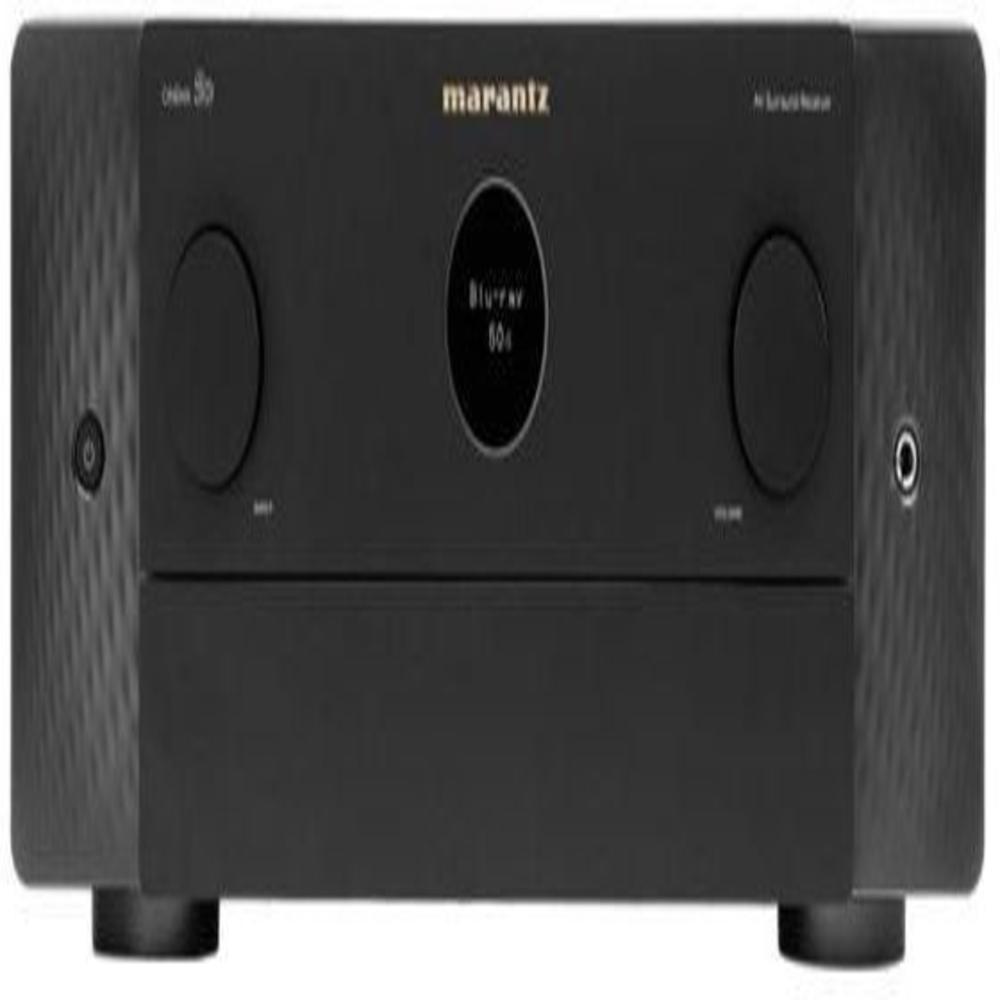
Marantz Cinema 50
Price 269900.00 INR / Piece
Minimum Order Quantity : 1 Piece
Color : Black
Weight (kg) : 20 Kilograms (kg)
Control Device : Other, Remote Control, App Control
Aux Option : Yes
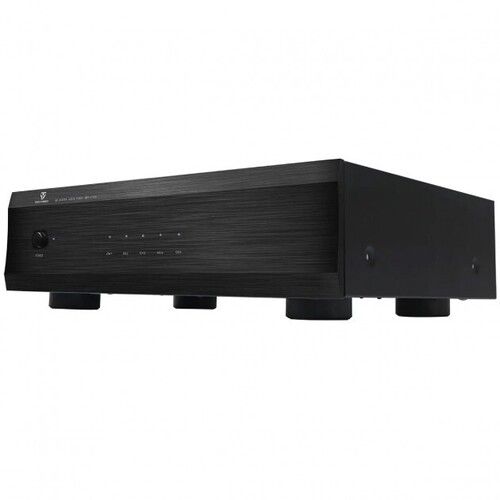
TONEWINNER AD-5100PA
Price 74900 INR / Piece
Minimum Order Quantity : 1 Piece
Color : Black
Weight (kg) : 11.5
Control Device : Other, Manual
Aux Option : Yes
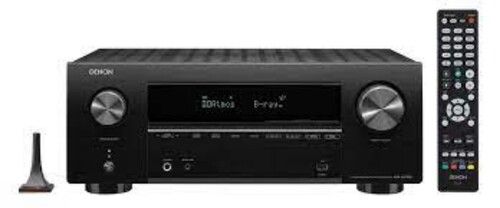
Denon avc-x3700h
Price 120000 INR / Piece
Minimum Order Quantity : 1 Piece
Color : black
Weight (kg) : 12.5 Kilograms (kg)
Control Device : Remote Control
Aux Option : Yes
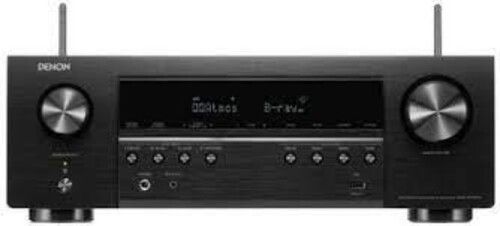
Denon AVR-S760H-7.2 Channel Receiver
Price 48000.0 INR / Piece
Minimum Order Quantity : 1 Piece
Color : Black
Weight (kg) : 10.7 Kilograms (kg)
Control Device : Remote Control
Aux Option : Yes

HOME THEATER EXPERTS
All Rights Reserved.(Terms of Use)
Developed and Managed by Infocom Network Private Limited.
Developed and Managed by Infocom Network Private Limited.

