


 Send Inquiry
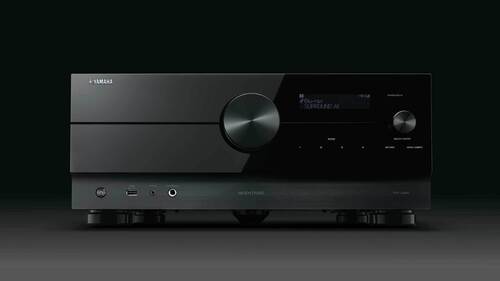
YAMAHA RXA4A
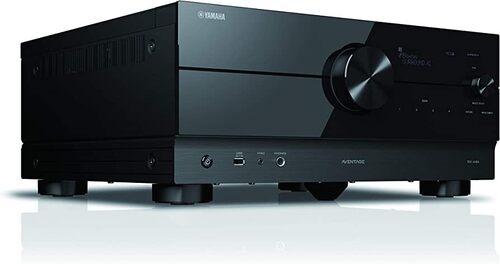
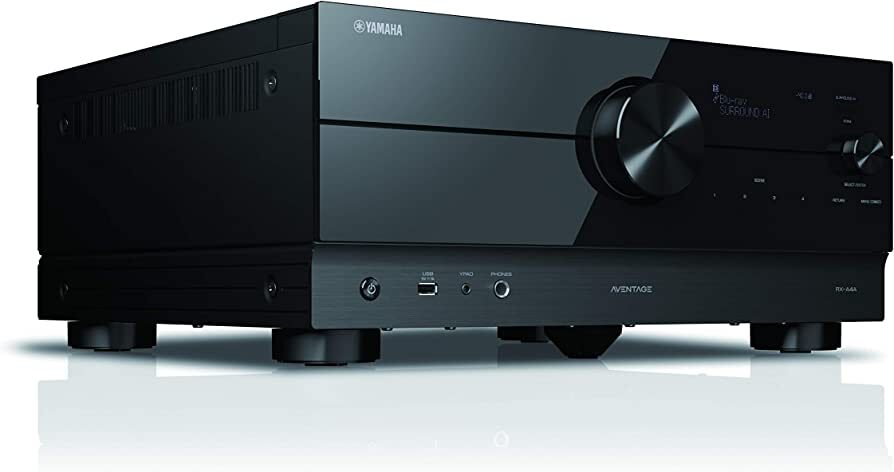
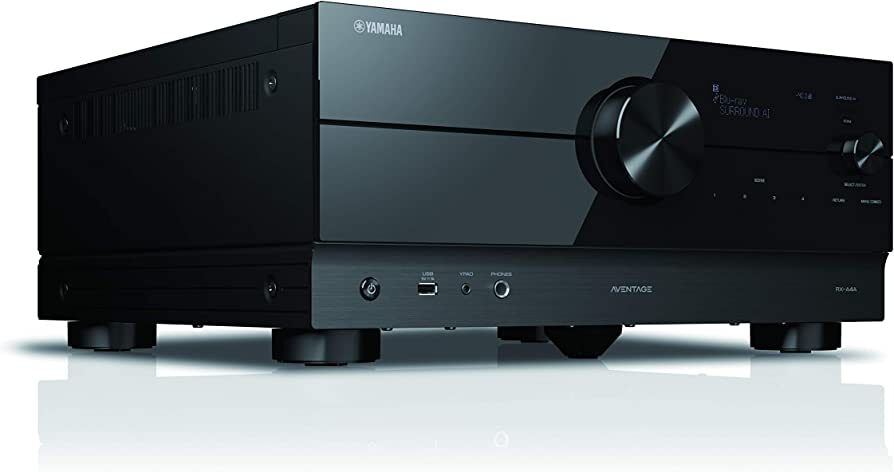

YAMAHA RXA4A Specification
- Bluetooth
- Yes
- Aux Option
- Yes
- Auto Memory
- Yes
- Player Type
- AV Receiver
- Material
- Metal
- Channels
- 7.2
- Frequency (MHz)
- 100-240
- Control Device
- Remote Control
- FM Turner
- Yes
- USB Port
- Yes
- Display
- LED
- Progressive Scan
- Yes
- Power
- 110 W
- Weight (kg)
- 16.2
- Color
- Black
- ECO Mode
- Yes
- DTS:X
- Yes
- Video Upscaling
- 4K, 8K upscaling
- App Control
- Supported via Yamaha AV Controller App
- HDMI Outputs
- 3
- OSD Language
- English, others
- Impedance
- 6 Ohms
- Dolby Atmos
- Yes
- Network
- Wi-Fi, Ethernet
- Multiroom Audio
- MusicCast Support
- Input Sensitivity/Impedance
- 200mV/47k
- Dimensions (W x H x D)
- 435 x 171 x 372 mm
- HDR Support
- HDR10+, Dolby Vision, HLG
- HDMI Inputs
- 7
- Front Panel Terminals
- Headphone Out, HDMI, USB, Mic, YPAO
YAMAHA RXA4A About
- HDMI with HDCP 2.3 and eARC (7 in or 3 out)
- 4K60, 4K120, 8K60, HDR10plus and HDMI 2.1
- Wi-Fi, Bluetooth, AirPlay 2 and Spotify Connect
- MusicCast multi-room audio and MusicCast Surround capable with MusicCast 20 or MusicCast 50 wireless surround speakers
- Surround:AI and AURO-3D
- Dolby Atmos with Dolby Atmos Height Virtualization and DTS:X with CINEMA DSP HD3
Advanced Home Theater Compatibility
Enjoy cinema-like sound at home with 7.2 channels and premium audio decoding formats like Dolby Atmos and DTS:X. Seven HDMI inputs and three HDMI outputs provide flexibility for connecting a range of devices, while support for HDR10+, Dolby Vision, and HLG guarantees brilliant, future-ready video performance.
Seamless Wireless Control and Connectivity
Operating the YAMAHA RXA4A is effortless, thanks to built-in Wi-Fi, Bluetooth, and Ethernet. Integrate smoothly into multiroom audio systems via MusicCast and enjoy app-based management through the Yamaha AV Controller App. The receiver includes HDMI, USB, and auxiliary front panel connectivity for added convenience.
Smart Features and Eco-Friendly Operation
The RXA4A is equipped with practical features including ECO mode for energy efficiency, YPAO microphone for auto-calibration, and a robust 110W power output. Its LED display, progressive scan, auto memory, and global voltage compatibility make it user-friendly and suitable for diverse entertainment environments.
FAQ's of YAMAHA RXA4A:
Q: How can I connect the YAMAHA RXA4A to my home network?
A: You can connect the RXA4A to your network using either Wi-Fi or an Ethernet cable. The receiver's built-in wireless and wired connectivity allows easy access to streaming services and firmware updates.Q: What devices are supported by the Yamaha AV Controller App for managing the RXA4A?
A: The Yamaha AV Controller App is compatible with most iOS and Android smartphones and tablets. It enables seamless control of power, volume, input selection, and advanced settings from your mobile device.Q: When should I use the YPAO microphone included with the RXA4A?
A: Use the YPAO microphone during the initial setup to automatically calibrate your speakers and optimize sound performance in your room. It helps achieve balanced audio based on your unique space and seating arrangement.Q: Where can I place the RXA4A for best performance?
A: Position the RXA4A in a well-ventilated space, ideally on a sturdy shelf or AV rack that accommodates its dimensions (435 x 171 x 372 mm). Ensure enough clearance for heat dissipation and easy access to front panel terminals.Q: What is the benefit of MusicCast multiroom audio support?
A: MusicCast lets you wirelessly link the RXA4A with compatible Yamaha devices throughout your home. Stream music in multiple rooms simultaneously or independently, creating a seamless audio environment.Q: How does the RXA4A handle video upscaling and HDR formats?
A: The RXA4A offers advanced video upscaling to 4K and 8K resolution, enhancing image quality from lower-resolution sources. It supports HDR10+, Dolby Vision, and HLG for vivid color and contrast on compatible displays.Tell us about your requirement

Price:
Quantity
Select Unit
- 50
- 100
- 200
- 250
- 500
- 1000+
Additional detail
Mobile number
Email

More Products in AV Receiver Category
YAMAHA RX-A2A
Price 90792.00 INR / Piece
Minimum Order Quantity : 1 Piece
Color : Black
Channels : Other, 7.2 Channels
Weight (kg) : 10.2 kg
Aux Option : Yes
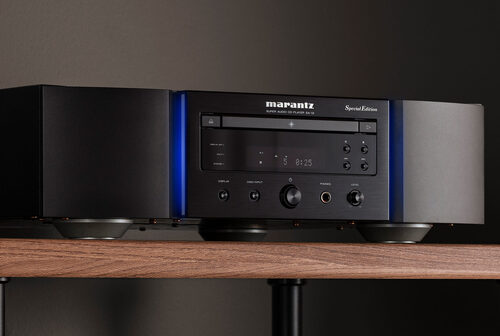
MARANTZ SA12SE
Price 417520.00 INR / Piece
Minimum Order Quantity : 1 Piece
Color : Champagne Gold
Channels : Other, 2 Channel
Weight (kg) : 14.6 kg
Aux Option : Yes
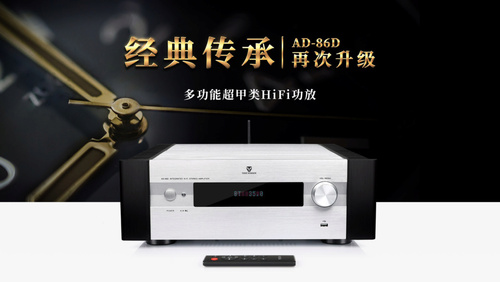
TONEWINNER AD-86D
Price 130900 INR / Piece
Minimum Order Quantity : 1 Piece
Color : Black
Channels : Other, 2.0 Channel
Weight (kg) : 16.5 kg
Aux Option : Yes

HOME THEATER EXPERTS
All Rights Reserved.(Terms of Use)
Developed and Managed by Infocom Network Private Limited.
Developed and Managed by Infocom Network Private Limited.

